


Find Your Screen by Part Number
Find the right panel by part number
\nKoScreen matches replacement screens by the OEM panel label on the back of your original LCD — not only the laptop marketing name.
\n\n\n\nHow it works
\n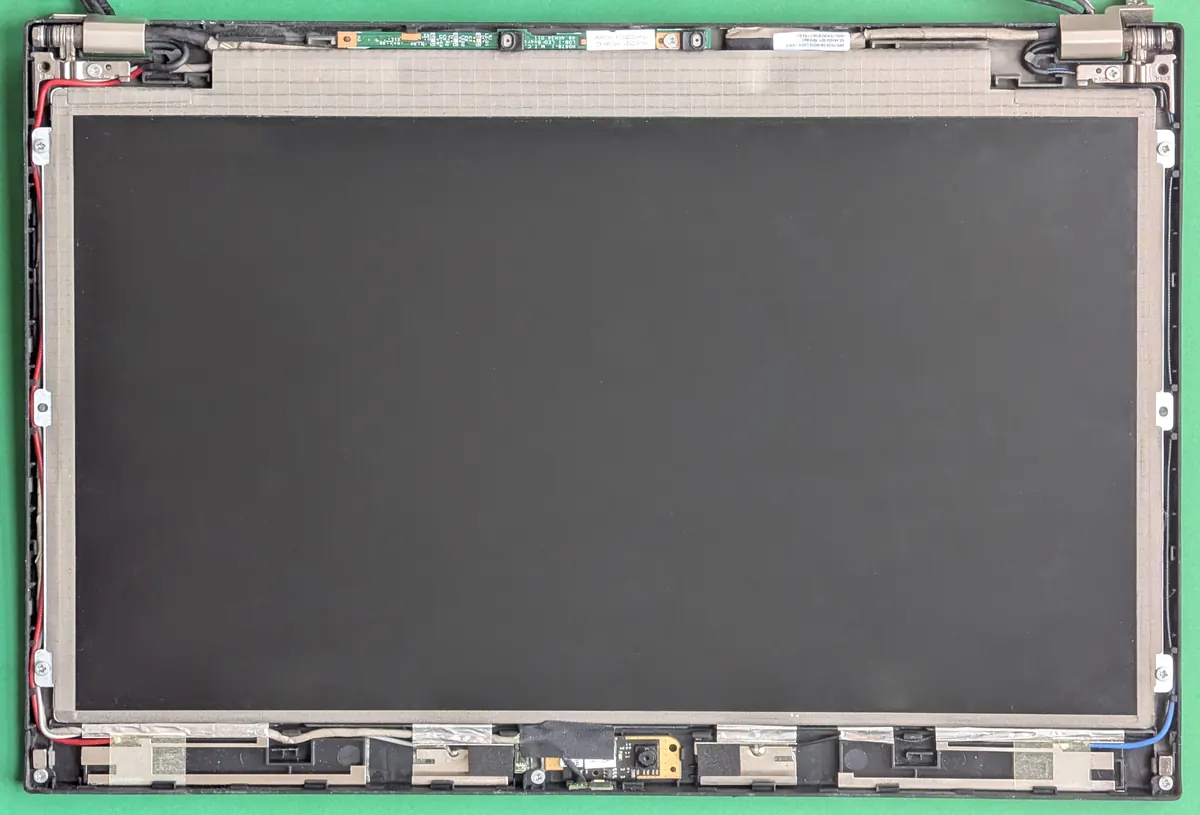 \n
\nPower down and unplug. Use a plastic pry tool to release the bezel, then carefully tilt the panel so you can see the back.
\n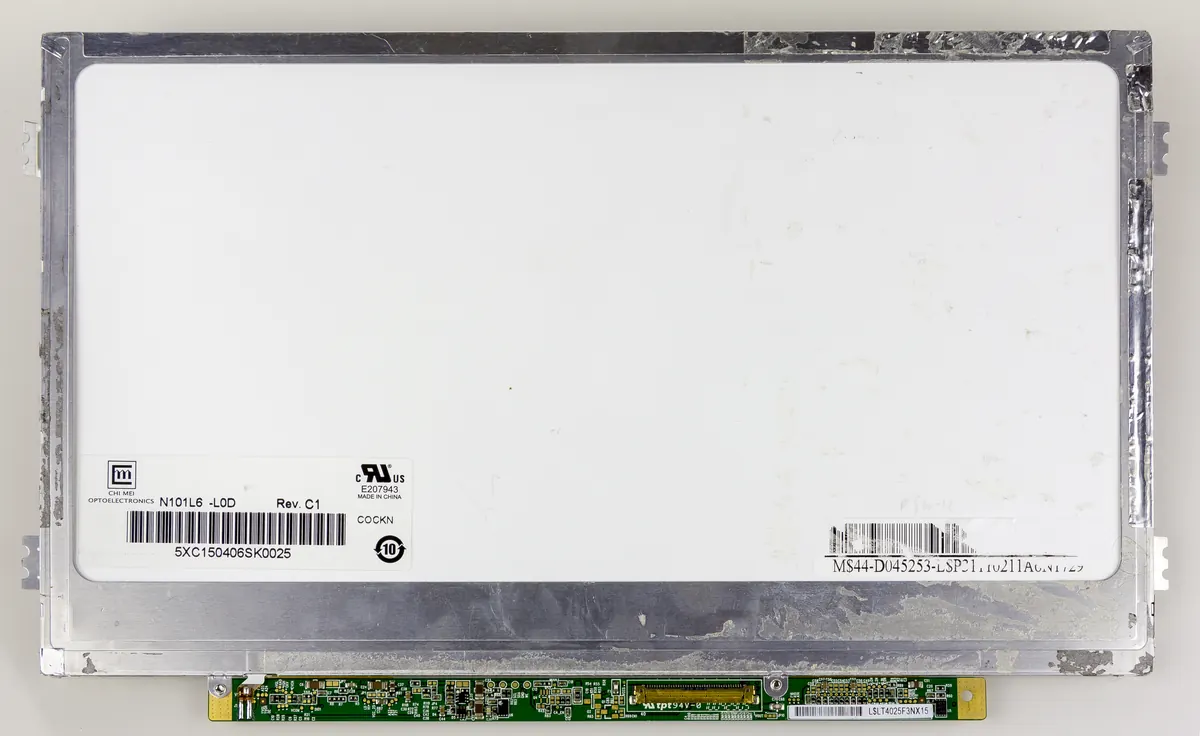 \n
\nLook for Model / P/N on the sticker (for example N156…, B156…, LP156…). Capture the full code and any revision.
\n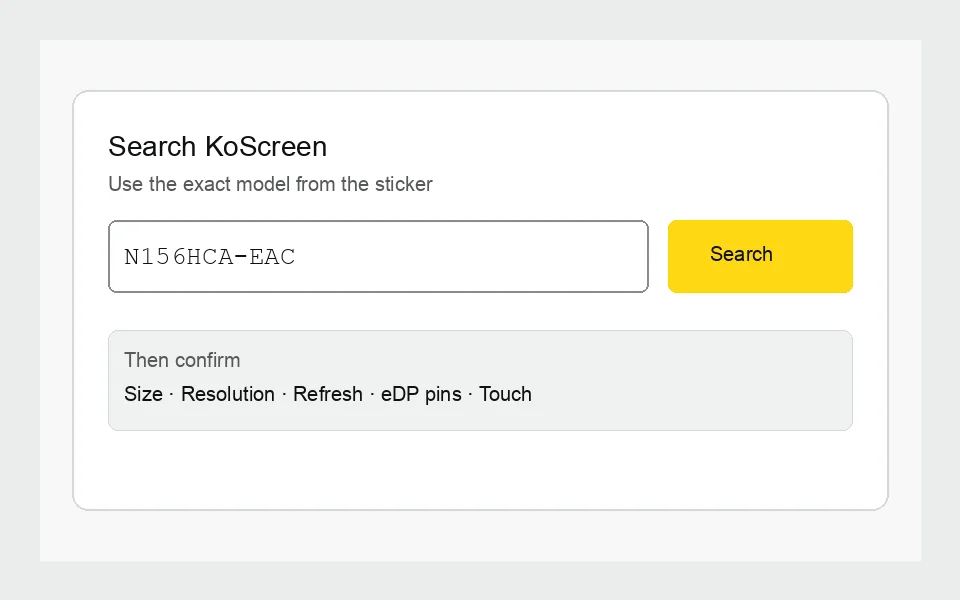 \n
\nPaste the part number above. Before ordering, match size, resolution, refresh rate, eDP pin count, and touch vs non-touch.
\nWhat the label looks like
\n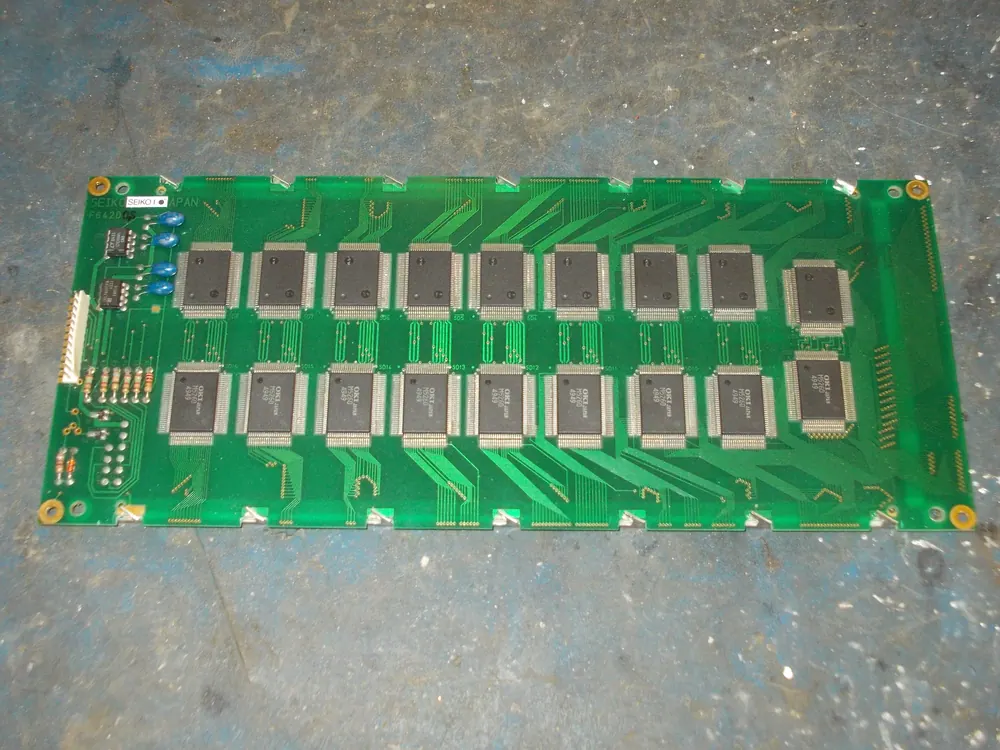 \n
\nBefore you order, confirm
\n- \n
- Diagonal size \n
- Resolution \n
- Refresh rate (Hz) \n
- eDP pin count (30 vs 40) \n
- Touch vs non-touch \n
- Glossy vs matte / assembly vs bare panel \n
Browse by part number
\n\n Prefer a full catalog? Open the\n laptop screen part-number directory\n (4,900+ panel hubs). High-intent replacement hubs:\n
\n- \n
- NV156FHM-N4H replacement laptop screen (15.6" FHD · also JMJGH / 92RCN) \n
- NV156FHM-N48 replacement \n
- B156HAN02.1 laptop screen \n
- LP156WHB replacement \n
- NT156WHM-N42 laptop screen \n
- N156BGA-EA3 replacement \n
- JMJGH laptop screen (Dell OEM) \n
Stuck? Email a label photo to [email protected] — we will confirm before you buy.
\n\n\n Full compatibility checklist\n ·\n How to read a laptop screen label\n ·\n All part numbers\n
\n\n\n Photos used under Creative Commons for this guide:\n step 1 — Siarhei Besarab (CC BY-SA 4.0);\n step 2 — Raimond Spekking (CC BY-SA 4.0);\n label close-up — tony_duell (CC BY 2.0).\n Cropped/resized for the web; licenses unchanged.\n
\n